In a 30-day challenge, I found a problem solo business owners have, built an iPhone app for it with AI agents, and set up the business around it.
I joined a 30-day challenge to launch a business. In the first week, I researched the problem, sized the market and talked to people, then used AI agents to build an iPhone app for people who run a service business on their own, and the website and subscriptions around it.
- Client
- My own business
- My role
- Founder
- Result
- The website is live, and the app is waiting for App Store approval
The screens are from the app and use made-up clients.
The challenge
I joined START by HalfBaked (opens in a new tab), a free 30-day challenge to launch a business. Each week has one job: check the idea, build a first version, test it with customers, then launch.
Finding the problem
I looked at people who run a service business on their own: tutors and music and sports instructors, dog walkers and pet sitters, personal trainers, cleaners, hair stylists and life coaches. Their complaints are easy to find, in social media comments, Facebook groups and Reddit, and two came up again and again.
The first is marketplace fees that never end. The more work they do, the more they pay the platform. Wyzant takes 25% of every lesson a tutor teaches. Preply keeps all of a tutor's first lesson with each new student, then up to 33% of every lesson after that. Wag takes 40% of every walk.
The second is software that isn't built for one person. The business platforms they could use are built for small teams, with features a solo operator will never use. They're expensive, mostly web-based, and don't always work well on a phone.
Sizing the market
I sized the market with AI, using government statistics from Canada and the US. About 800,000 people in the two countries run one of these businesses on their own as their main job. Counting everyone who earns at least $10,000 a year from one of these businesses, the number is about 1.75 million.
If 1% of the iPhone users among them subscribed, that would be about 5,000 to 10,000 people, or $1 to $2 million a year.
Talking to people
Of the conversations I had, two stood out. The stylist who cuts my hair found a pet sitter on Rover, and the two of them moved their bookings and payments off the platform to save money.
My partner, who is also a hair stylist, keeps track of clients in texts, a calendar and phone contacts. Nothing records what happened at each appointment, like the hair colour used. Card payments go through Square.
What I built
Nextsession is an iPhone app for people who run a service business on their own. It keeps clients, sessions, prepaid session packages and money owed in one place, and sends payment requests by text or email. It never handles the money and takes no commission: clients pay the business owner directly.
Around it I set up the business: a website with sign-up and a 14-day free trial, and one plan at $19.99 a month (in Canadian dollars in Canada, and US dollars elsewhere), or 20% less with an annual subscription. Subscriptions are sold on the website, through Stripe. The screens below are from the app.
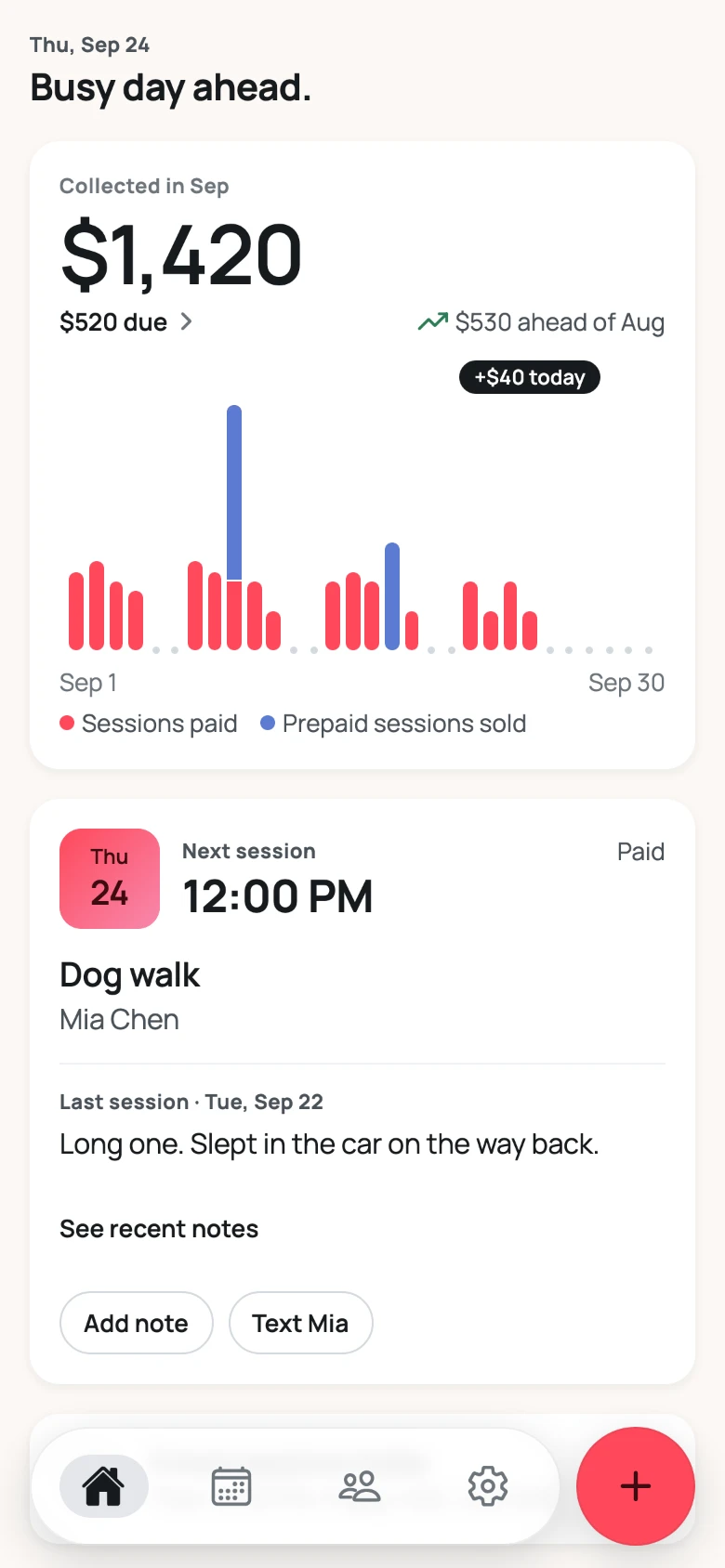
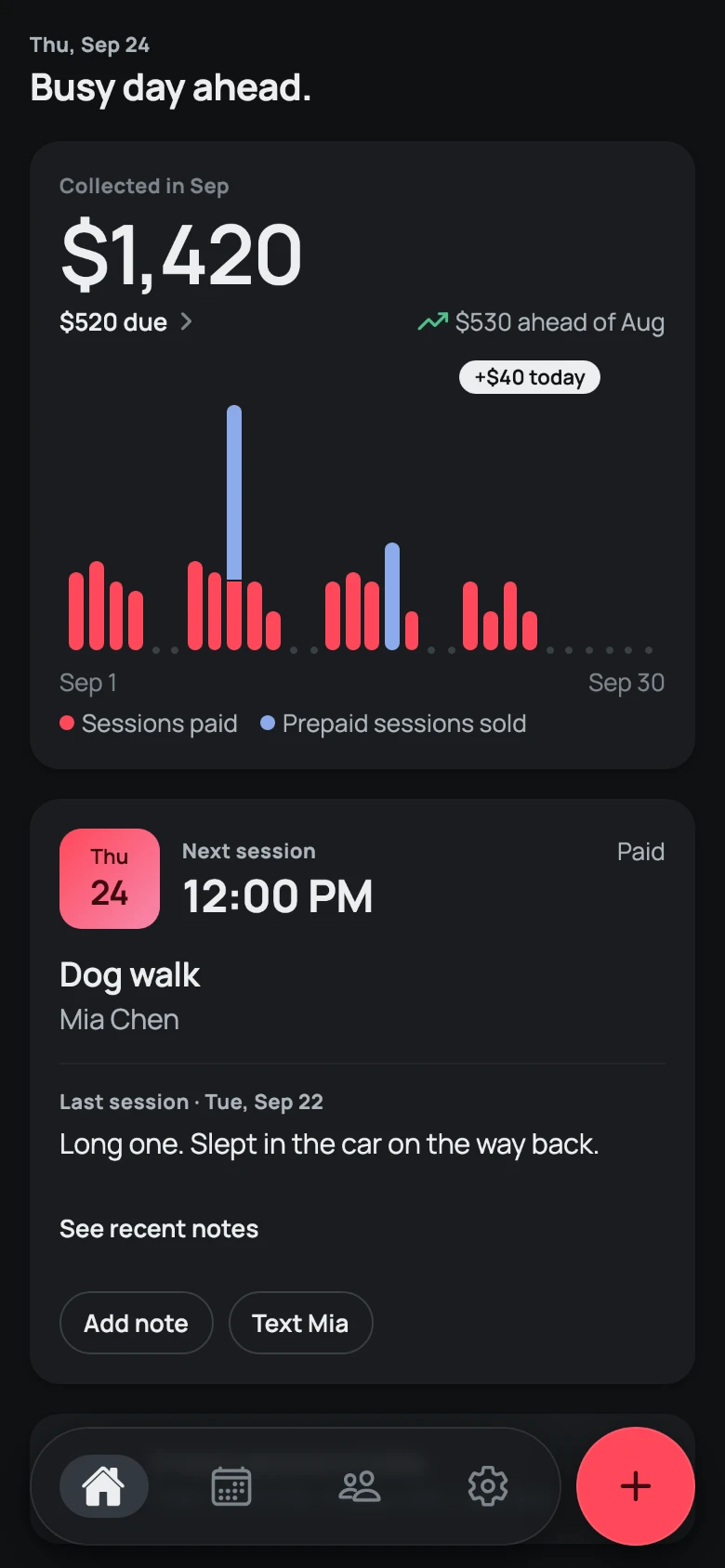
Where the business stands, at a glance
Home answers the questions a solo operator asks between appointments: how much came in this month, what's still owed, and who's next. The note from the last session is right there, so the owner doesn't have to remember it.
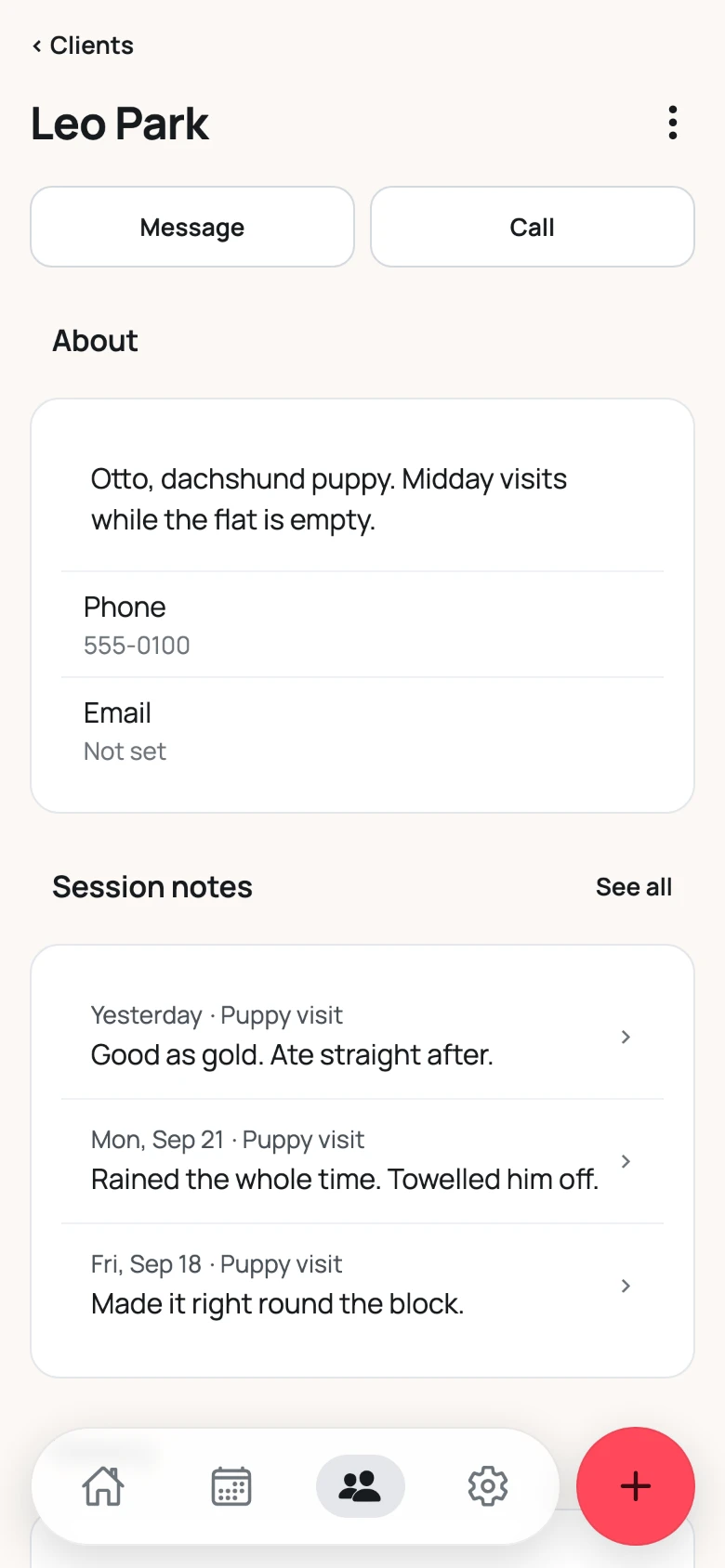
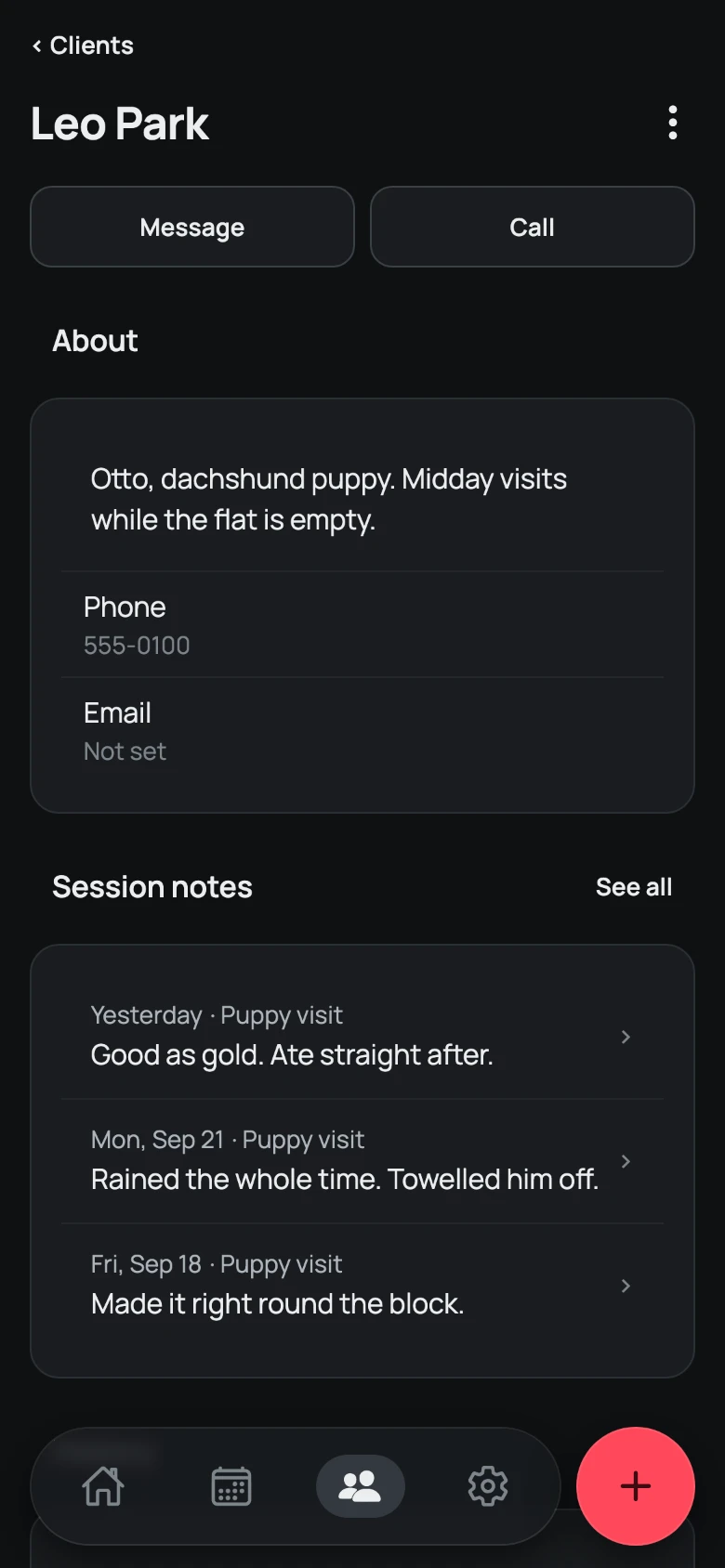
Everything about a client, in one place
A client's page keeps what matters about them, like a puppy that needs midday visits, and a note from every session. Before an appointment, one look is enough to pick up where the last one left off.
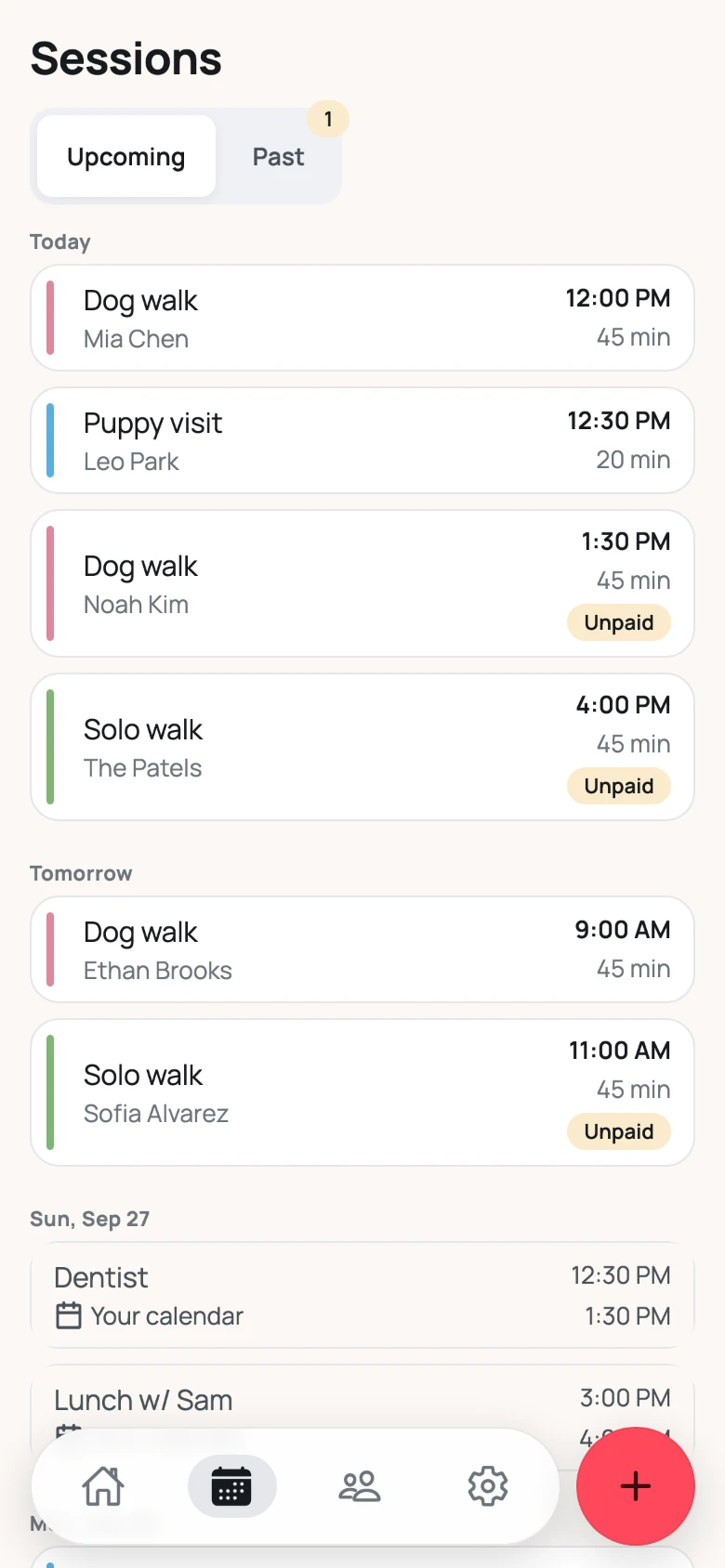
Today's sessions
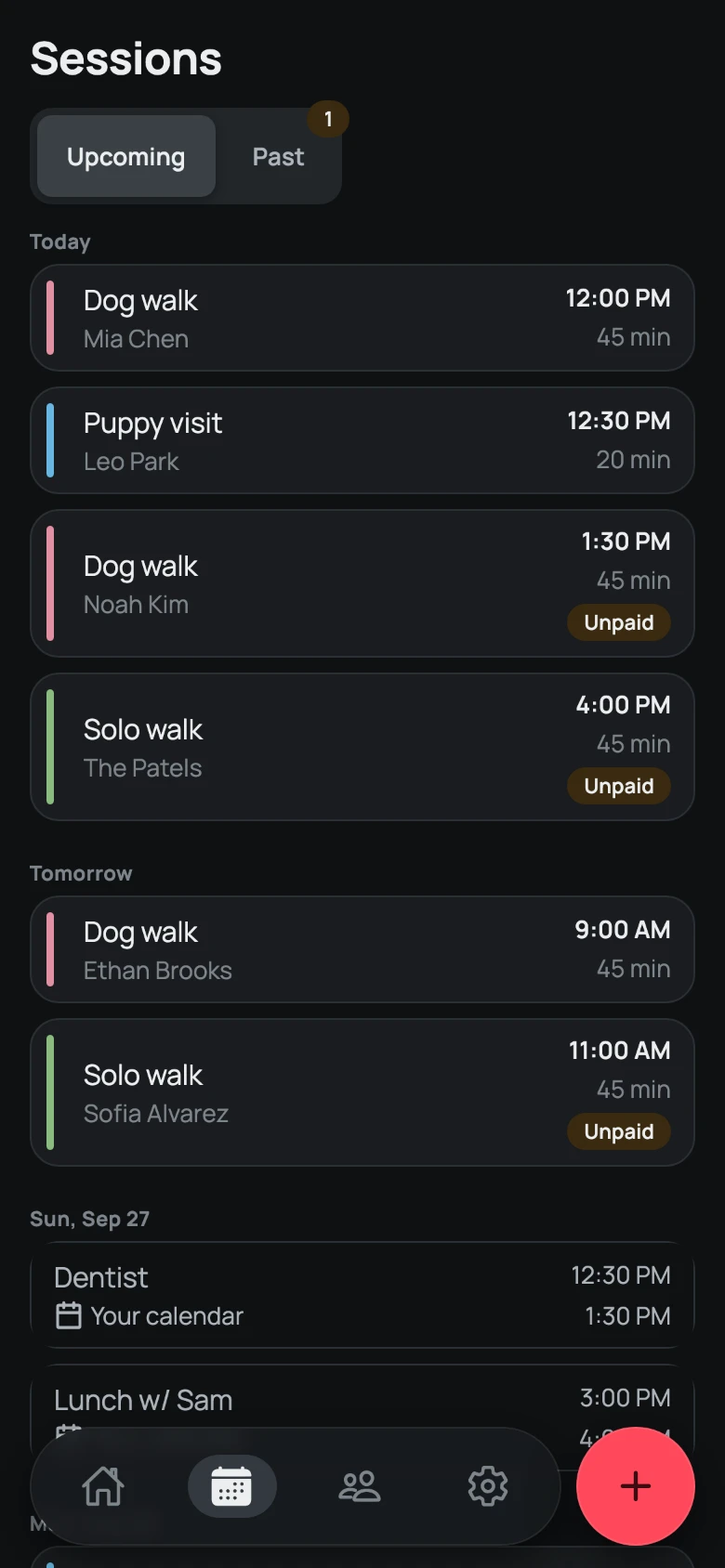
Sessions lists what's coming up next to events from the owner's own calendar, so work and personal plans sit side by side. Sessions that haven't been paid are marked, so the owner can see who still owes money.
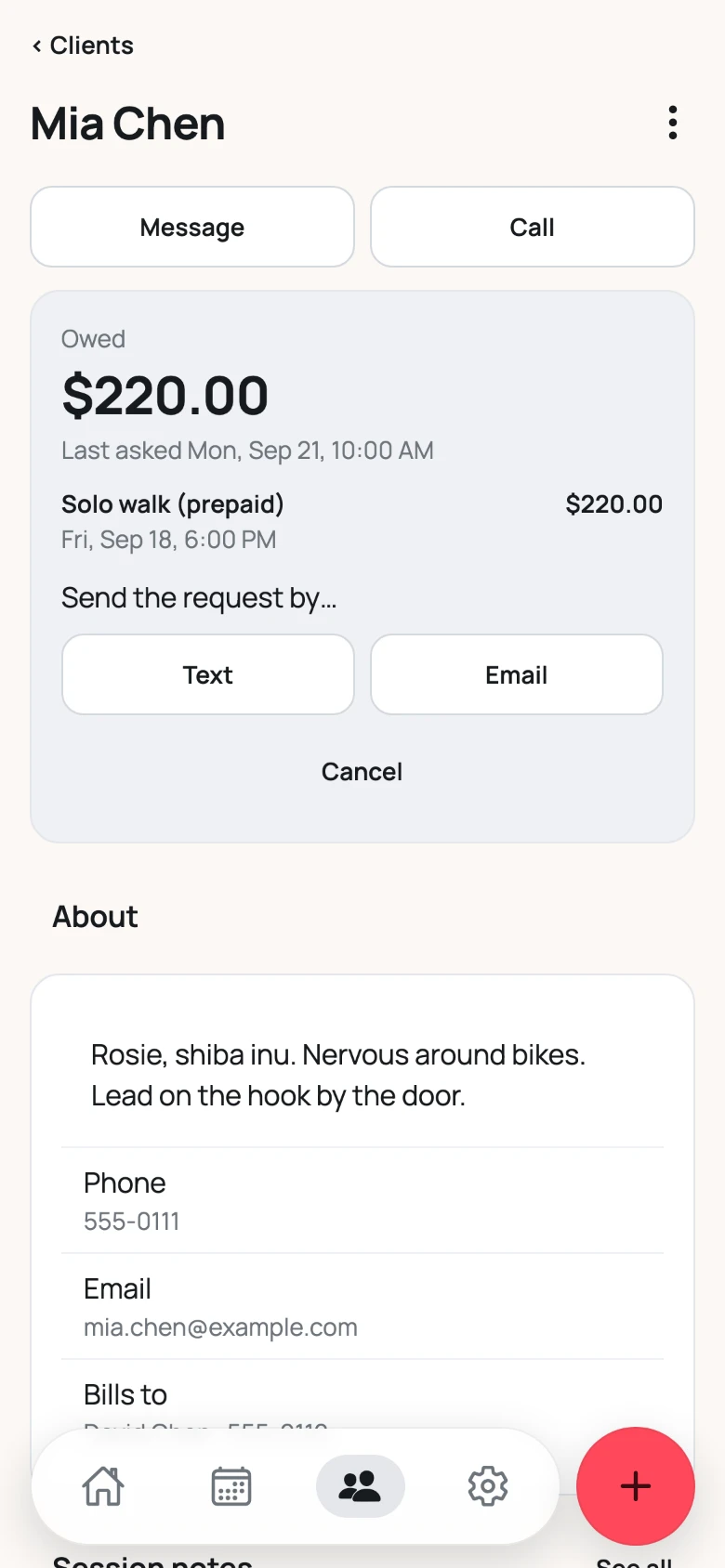
Getting paid, directly
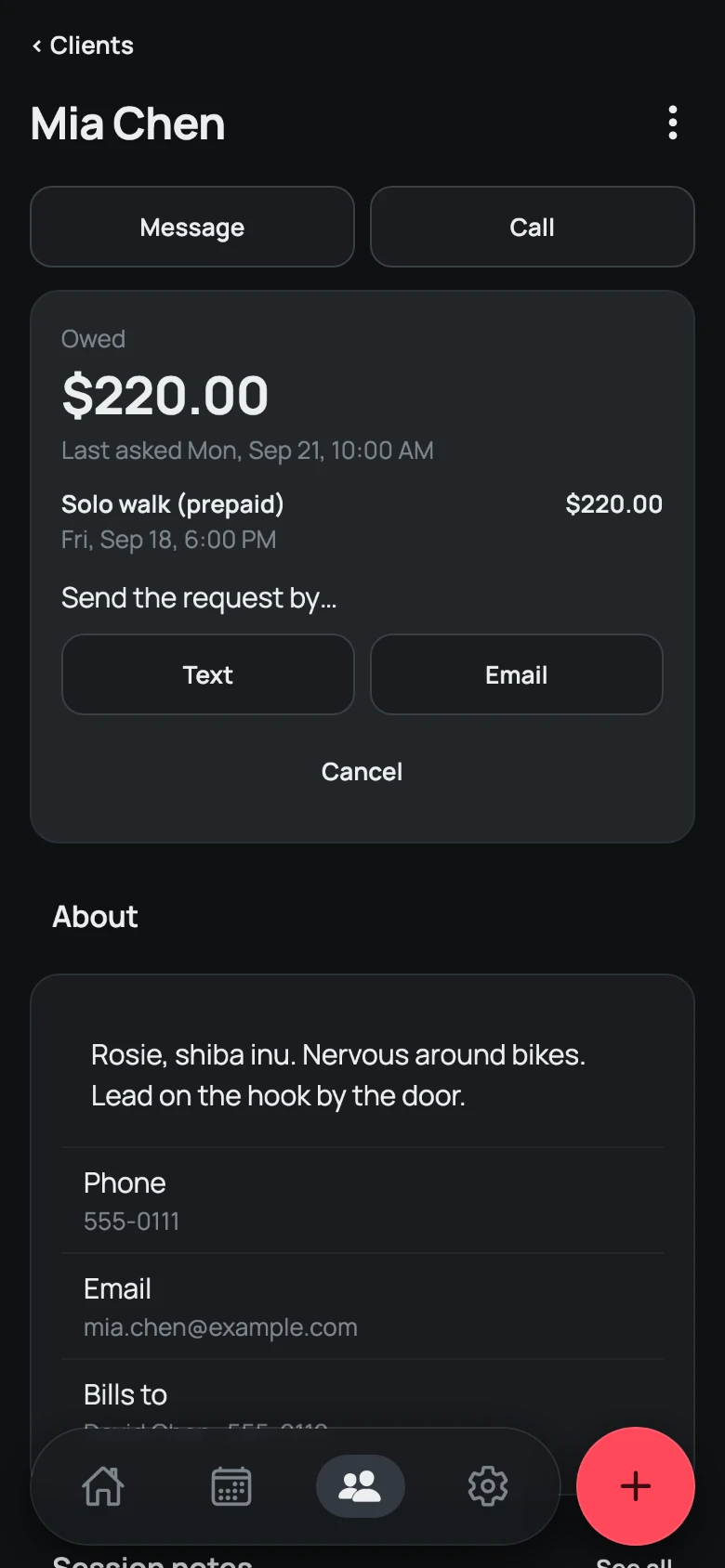
When a client owes money, the app shows how much and what for, and sends the request by text or email. The client pays the owner directly, and the app takes no fee.
The recording below shows the app in use: adding a new client, selling ten prepaid walks, and sending the payment request by text.
The website is where a business owner gets started: they create an account and start the 14-day free trial, with no card needed. Later, they manage their subscription and payment method there themselves.

Built end to end with AI agents
I built the app and the website with AI agents, using Claude Code in Visual Studio Code (VS Code), with the code in GitHub. Each piece of work started as a written spec, a separate agent session built it, another reviewed it, and I tested it on my phone before it went into the app. In about two months that came to about 215 specs and about 4,300 automated tests.
The design system was in code from the first day, not in Figma. Every colour, size and space comes from a named token, a code check blocks any colour that isn't a token, and tests check the contrast in light and dark mode. The design system has grown to 43 components, each added when a feature needed it.
I rebranded the app a few times. Usually only the main colour changed, but every other colour had to change with it and still pass AA contrast in light and dark mode. Because every screen used the tokens, each rebrand changed only the tokens, and no screen code. The commit below is the change to coral.
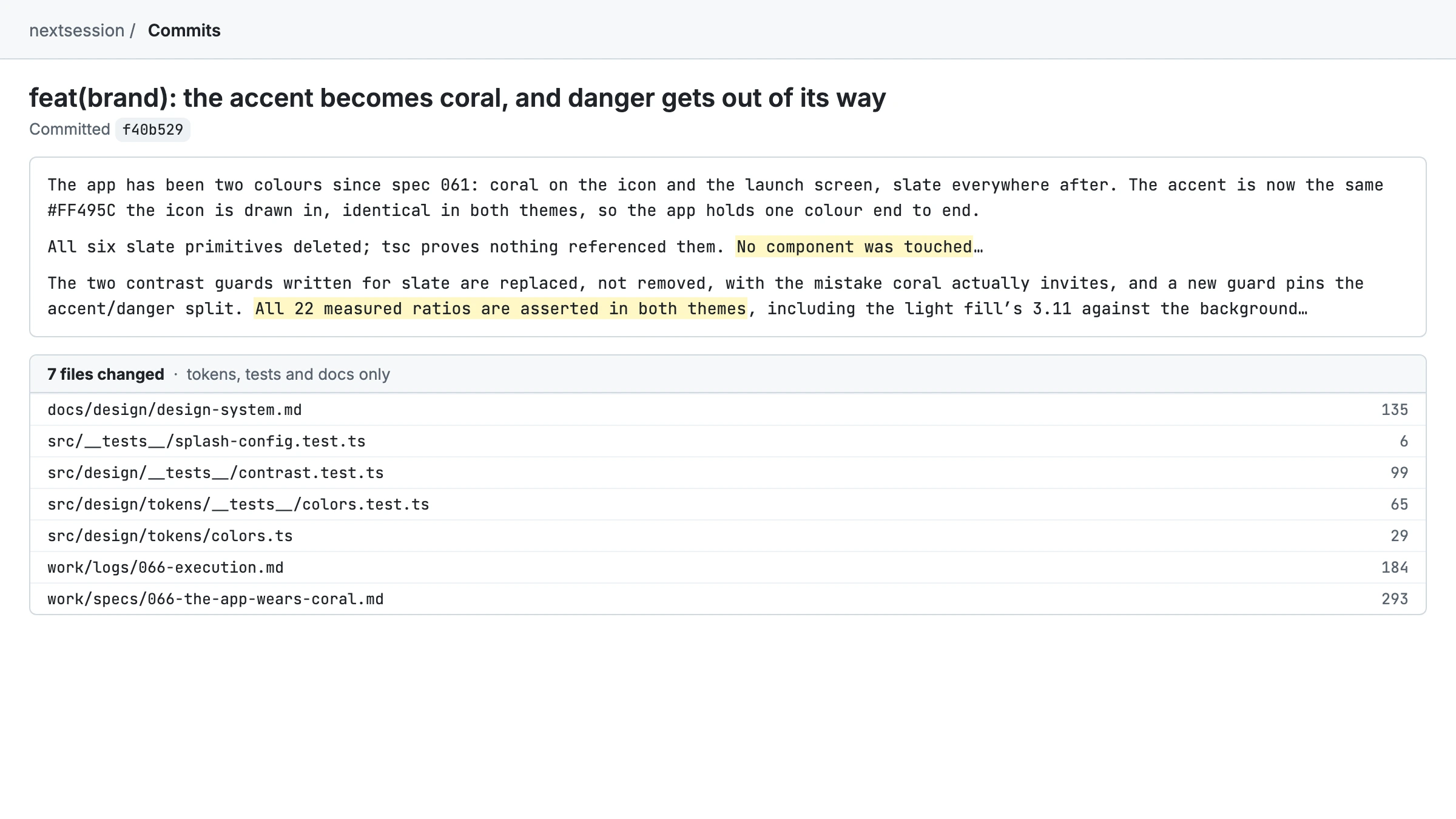
The automated tests caught colour contrast problems, custom styling inside components, and one agent that built its own component instead of using the design system's. Each time, I either fixed the problem straight away or wrote a spec that made the rule explicit.
Where it is now
The website is live at www.nextsessionapp.co (opens in a new tab). The app has been submitted to the App Store and is waiting for approval, and sign-up opens as soon as it's approved.
What I'd do differently
I'd get the app into the App Store for approval much earlier. I added too many features before I submitted it.
I should have talked with more people about which features belonged in the first version and which could wait. Some of what I built could have stayed in the backlog, and I have a long backlog I'm excited to start on.